
Executive Summary
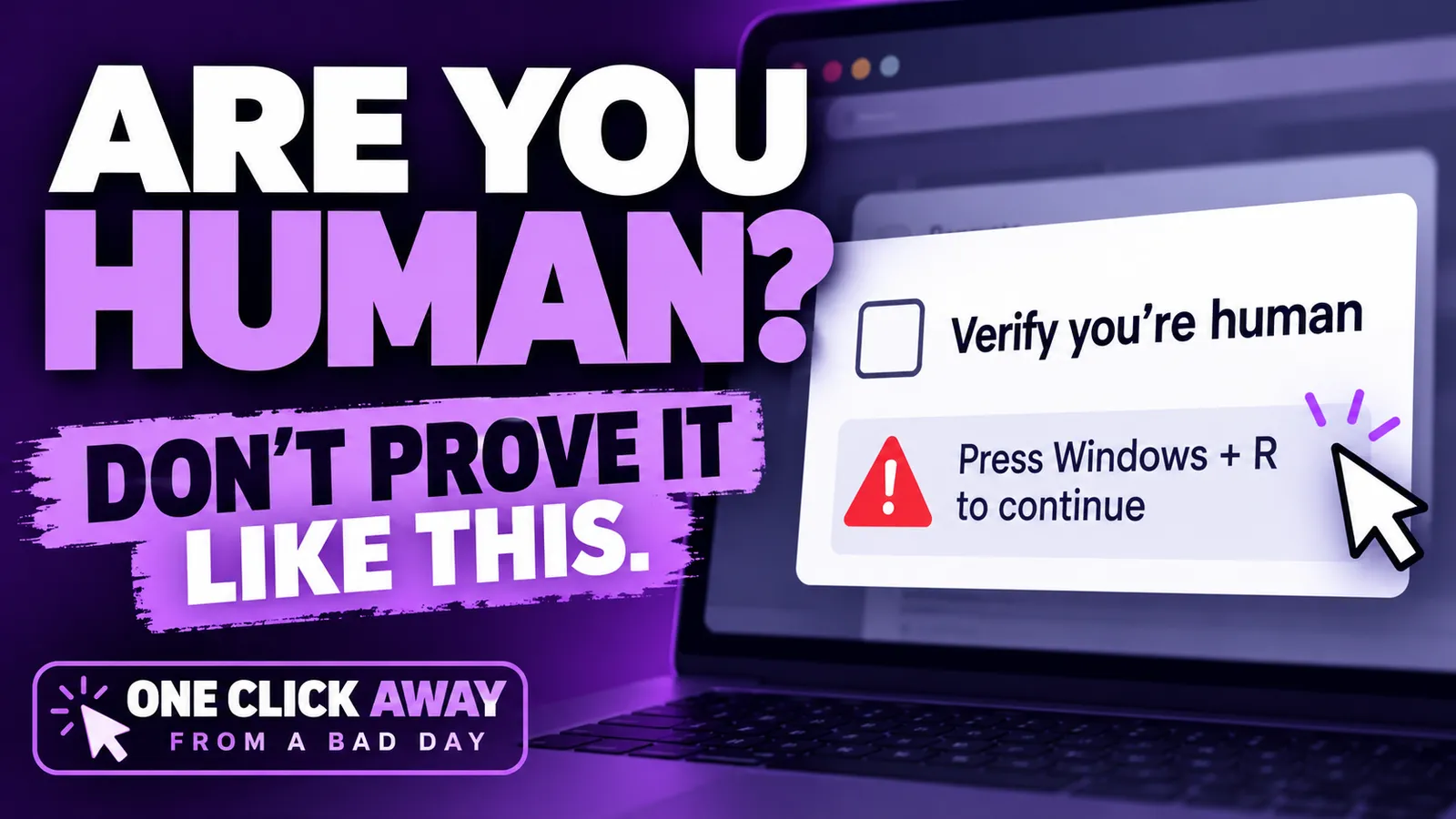
“Verify you’re human” should never require you to run a command on your computer.
CAPTCHAs may ask you to click a box, identify pictures, or complete another task inside your browser. They should not ask you to open Windows Run, PowerShell, Command Prompt, or Terminal.
Think before you click. And definitely think before you paste.
One Click Away from a Bad Day
One Click Away from a Bad Day: ClickFix / Fake CAPTCHA
You’ve probably encountered a “Verify you’re human” prompt hundreds of times. That familiarity is exactly what cybercriminals are taking advantage of.
An attack technique known as ClickFix uses fake CAPTCHA and verification screens to convince people to run malicious commands on their own computers.
The page may look like a normal verification screen. But instead of simply asking you to check a box or select certain images, it may instruct you to press a keyboard shortcut, open Windows Run, PowerShell, Command Prompt, or Terminal, and paste something in.
That’s the red flag.
A legitimate website should never require you to run a command on your computer to prove you’re human.
Following those instructions can cause your computer to download or execute malware. Because the user performs the steps themselves, the attack takes advantage of something security technology can’t always prevent: a person being convinced that a dangerous action is legitimate.
What should you do?
If a CAPTCHA or verification screen asks you to leave your browser, open a system utility, or paste a command, stop.
Close the page and do not follow the instructions. If you already followed them on a work computer, contact us/your IT team immediately and tell them exactly what happened.
Because sometimes the difference between an ordinary workday and a very bad one really is just one click.
Envizion. A Better Way.