
Executive Summary
Multifactor authentication (MFA) is one of the most effective ways to protect your accounts, but cybercriminals are finding ways to trick people into helping them bypass it.
One common tactic involves impersonating IT support and asking someone to share a legitimate account sign-in code or approve an unexpected authentication request.
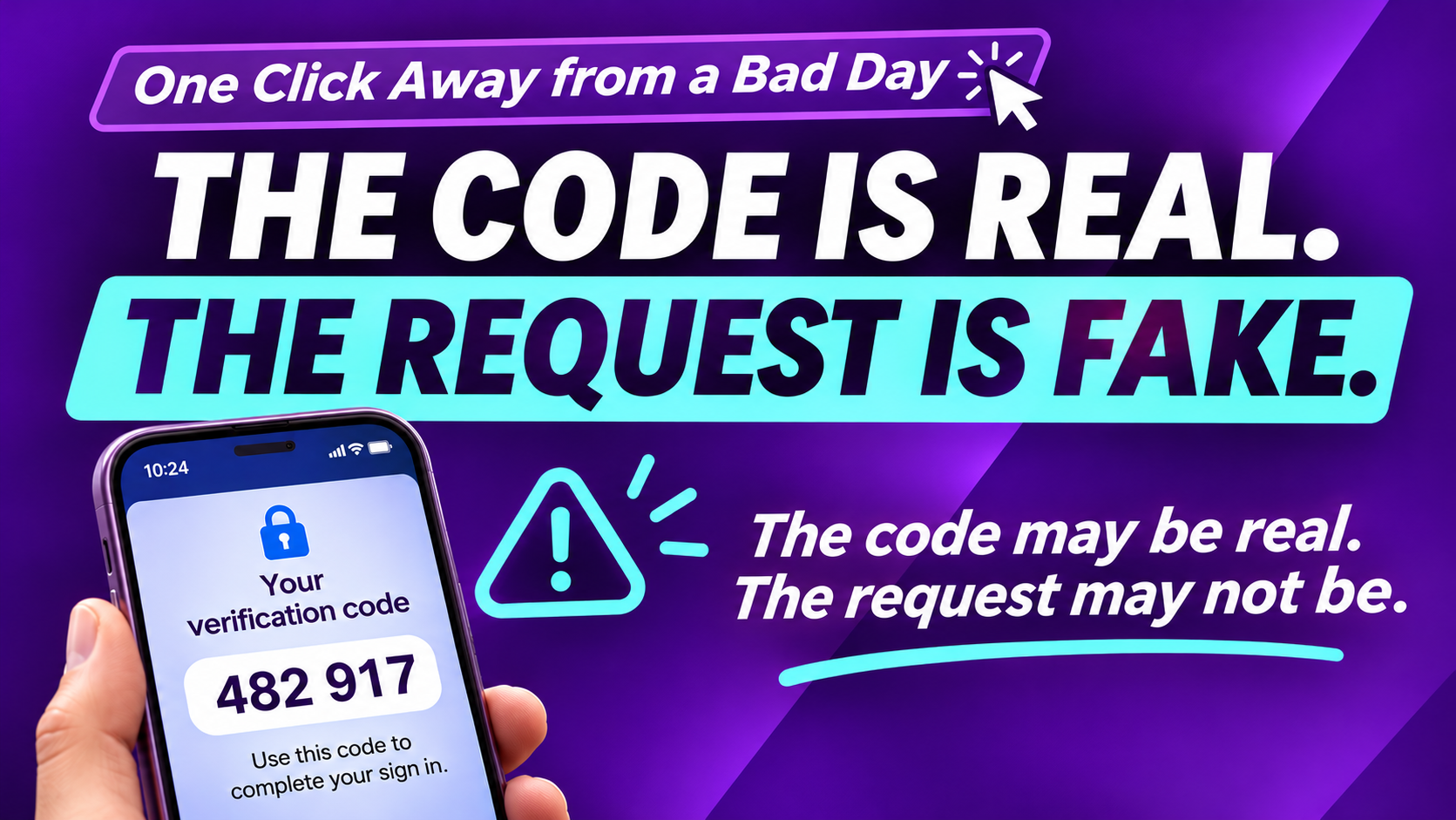
The verification code may be real, but the person requesting it may be an attacker.
The takeaway: Never share an account sign-in code with someone who contacts you unexpectedly. Don't approve sign-ins you didn't initiate, and always verify suspicious support requests through a trusted contact method.
MFA remains an important security protection. Understanding how attackers exploit trust makes it even more effective.
The Code Is Real. The Request Is Fake.
You've probably heard the advice a hundred times: Turn on multifactor authentication (MFA) to protect your accounts.
It's good advice. MFA adds an important layer of security by requiring something more than just your password.
But cybercriminals have found a way to turn that protection against you.
And sometimes, all it takes is a phone call.
It starts with a convincing message.
Imagine you're working through your day when your phone rings.
The caller says they're from IT support.
"We've detected suspicious activity on your Microsoft 365 account. We're sending you a verification code to confirm your identity and secure your account."
A moment later, your phone receives a legitimate verification code.
Everything seems to check out.
The caller knows you're using Microsoft 365. The code came through the normal process. And the person on the phone sounds like they're trying to help.
There's just one problem.
The person asking for the code isn't your IT support team.
It's a cybercriminal attempting to sign in to your account.
How the scam works
In this type of attack, a criminal may already have your password, perhaps from an earlier phishing attempt or data breach.
But there's a problem for the attacker: Your account has MFA enabled.
So the attacker initiates a sign-in and triggers a verification request.
Then they convince you to provide the code or approve the sign-in.
If you comply, you may give them exactly what they need to get past that additional layer of protection.
The verification code itself is real.
It's the request to share it that's fraudulent.
It's not always a phone call.
These attacks can also involve:
- Text messages claiming your account needs immediate attention.
- Fake IT support messages through email or collaboration tools.
- Repeated authentication notifications, hoping you'll eventually approve one.
- Messages claiming your MFA settings need to be updated or verified.
The common thread is urgency and misplaced trust.
The attacker wants you to respond before you stop to question what's happening.
Three things to remember
1. Protect your account sign-in codes.
Never share an account sign-in code with someone who contacts you unexpectedly, even if they claim to be IT support.
2. Don't approve a sign-in you didn't initiate.
If your authentication app asks you to approve a login and you're not signing in, deny the request.
3. Verify unexpected support requests independently.
If someone claims to be from IT, contact your support team using a phone number or communication channel you already know and trust.
If you accidentally share a sign-in code or approve an unexpected request, report it immediately. Your IT team can help secure your account and investigate suspicious activity.
MFA is still one of your best defenses.
The lesson isn't to stop using MFA.
It's to understand how it works and why your account sign-in codes and authentication approvals need to stay under your control.
Organizations should also consider phishing-resistant authentication methods, such as passkeys or security keys, when available.
Technology can put strong protections in place. But knowing when to question an unexpected request makes those protections even stronger.
The code may be real. The request may not be.
And that can leave you just One Click Away from a Bad Day.